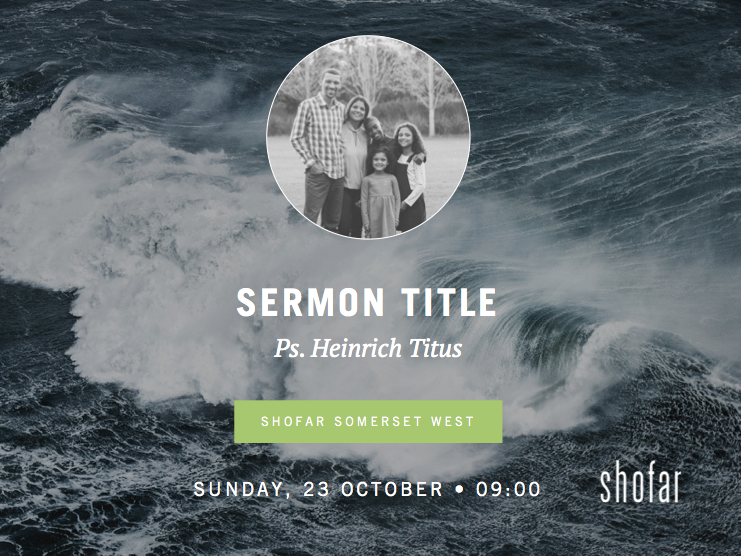
knownforlove – new pastor intro advertisement slides 2018
Can’t find what you are looking for in this post? Please visit forum and let’s chat!
Some important notes before using this tool
These slides have been set up in Powerpoint and are completely editable. Therefore you can easily update and change the information at your own leisure. We’ve included a few different options in the template to give you an idea on how to use it.
We’ve placed all the elements in a specific way to balance the design and keep it neat so we encourage you to try and keep all the elements in place.
IMAGE BACKGROUNDS
We’ve included some beautiful nature backgrounds which you can use to replace the images on the pastor introduction slides.
Please note: These images are only meant for screen display and are not high enough quality for printing. If you’d like to source more images you can go to www.unsplash.com which is a free image stock library.
PASTOR PHOTOGRAPHS
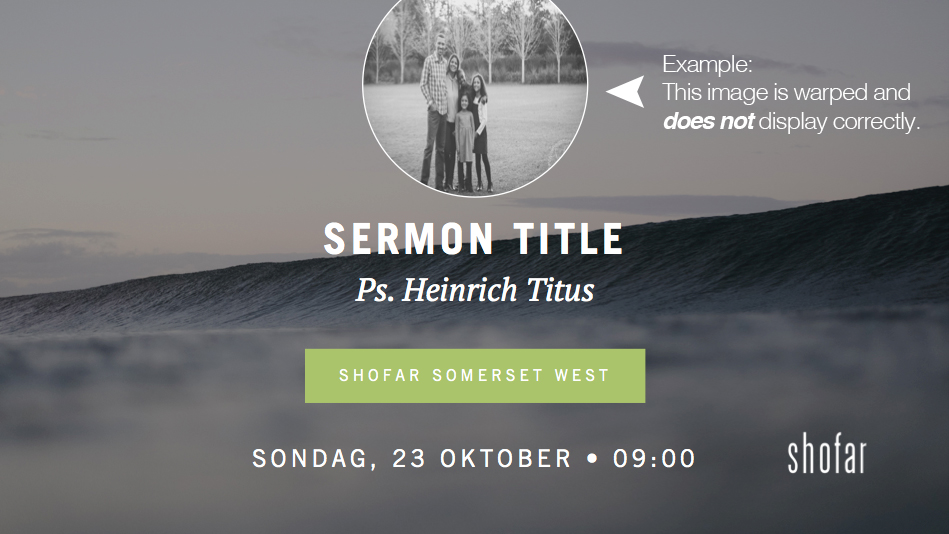
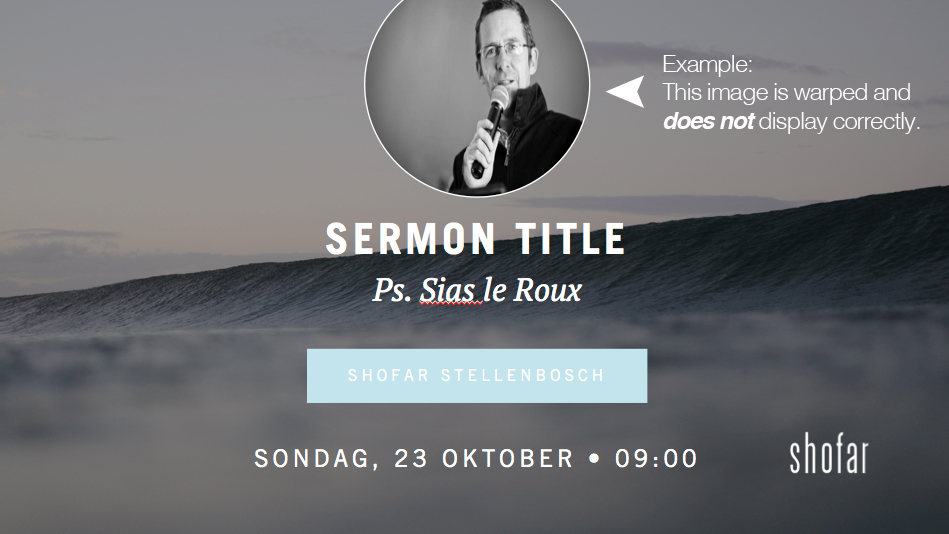
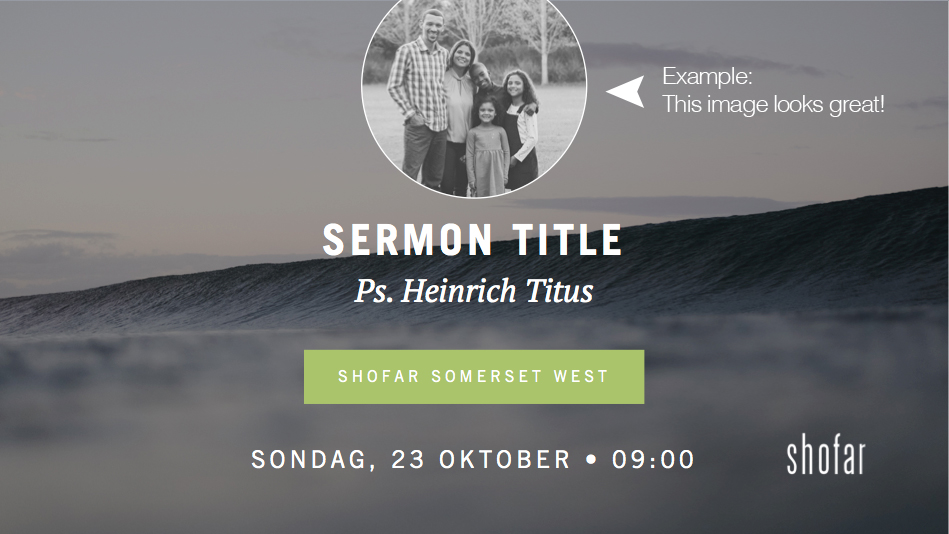
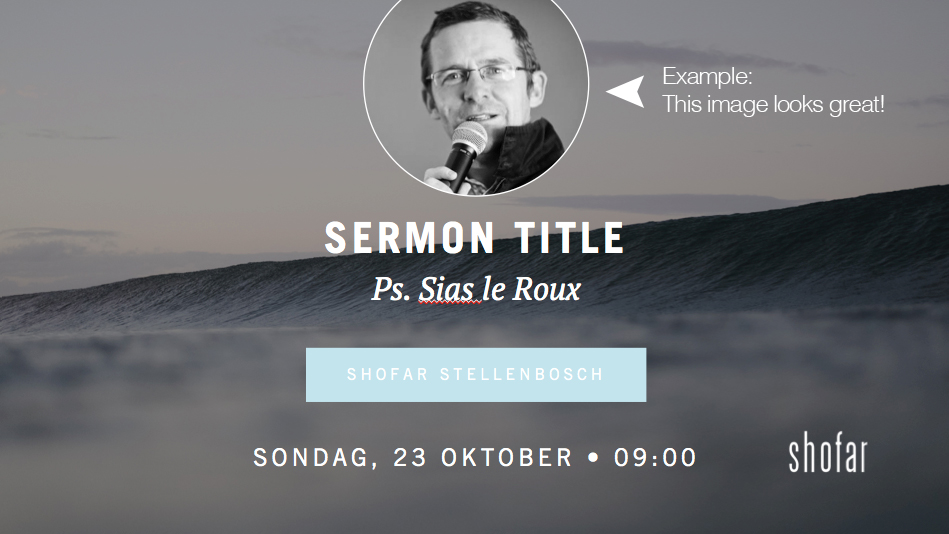
1. You’ll need to make sure the photo you’re using is cropped in a perfect square, else it will warp when you embed it into the circle shape. Take a look at the sample images we supplied to see what works and what doesn’t.
2. Once your image is ready, simply right click on the circle.
Select format shape, under fill, click on picture or texture, choose your picture and voila!
NEW FONTS
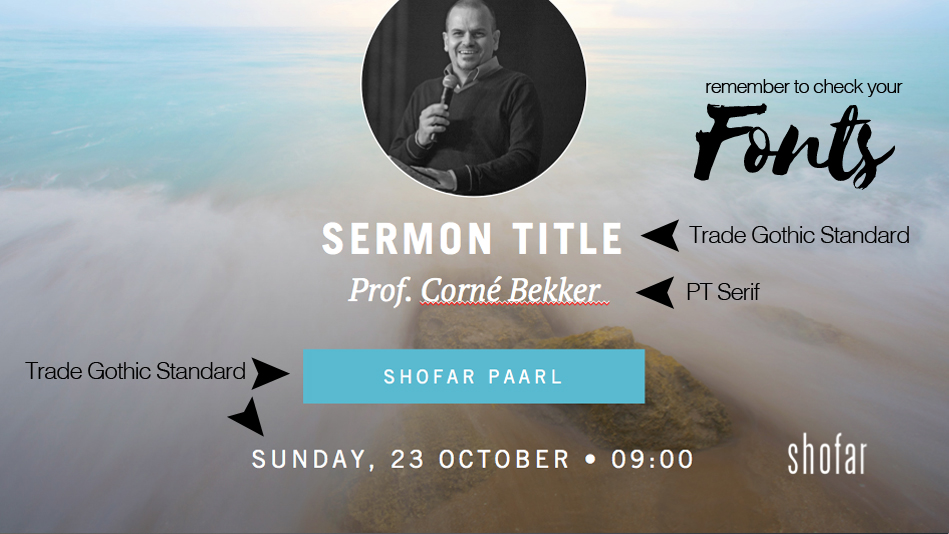
You’ll need to install one new font in order for these slides to display correctly. Make sure you’ve installed it on your production computer/laptop at church. Please note: Shofar brand guidelines still apply.
TIP
You can save your pastor introduction slide straight from Powerpoint as a JPEG and even use it as a Facebook post to invite others to join you for the service.
When posting to Facebook, make sure your image contain minimum text, and rather use the text box below to communicate any additional information. Why? Read all about Facebook’s text rules here